 DigitalFruitFlya fruit fly that lives digitally
Chrome extension
DigitalFruitFlya fruit fly that lives digitally
Chrome extension
A fly on every page you open.
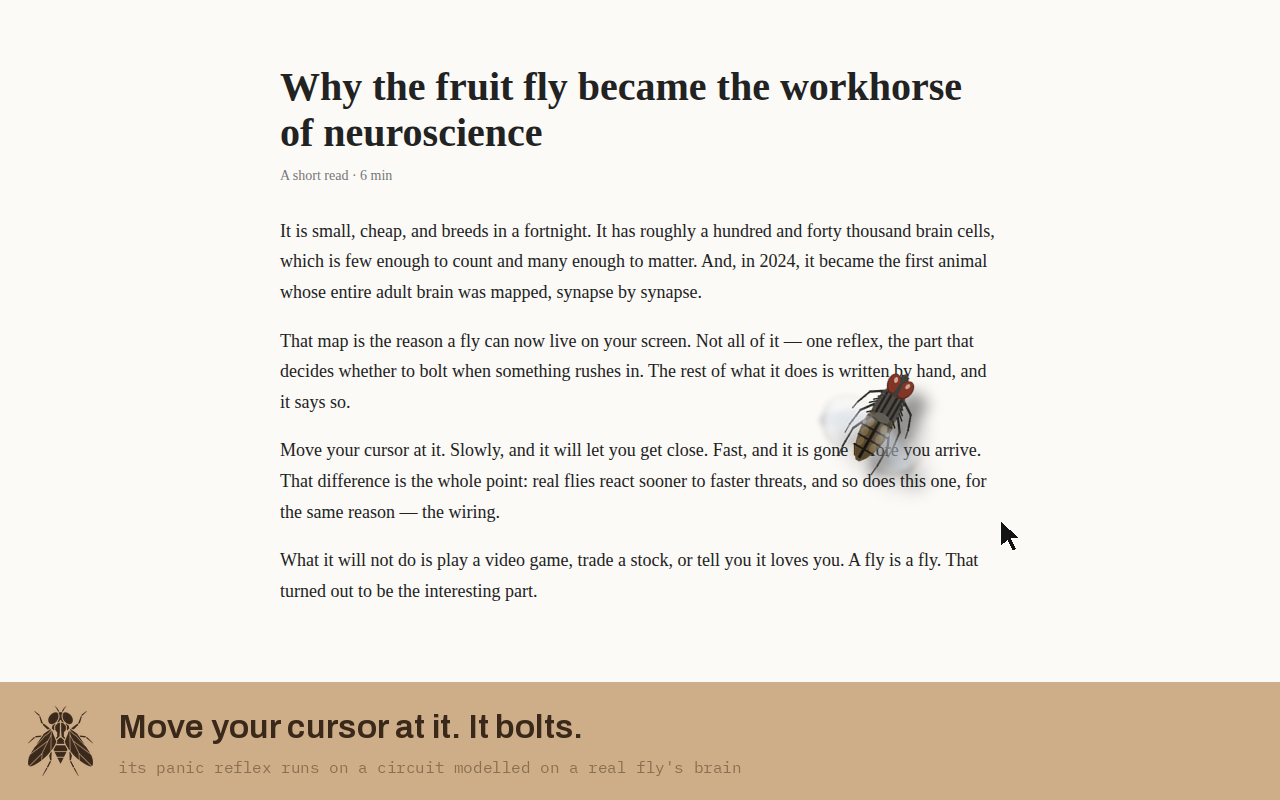
One fly for your whole browser. It rests, wanders, follows you from tab to tab, and bolts when your cursor comes at it — because its panic reflex is a small circuit modelled on a real fly's brain. No food, no mess. Just the fly and you.
Install it in a minute
Until it's on the Chrome Web Store, you install it the way developers do. It takes six clicks and nothing scary happens.
- Download the zip above and unzip it. Put the folder somewhere it can stay — your Documents, say. Chrome loads it from there every time it starts, so don't delete it later.
- Open
chrome://extensionsType that into the address bar and press Enter. - Turn on Developer mode It's the switch in the top right corner.
- Click "Load unpacked" Pick the folder you unzipped — the folder itself, not the zip.
- Open any website Wait a second. The fly appears. It won't show on Chrome's own pages (settings, new tab, the Web Store) — Chrome doesn't allow extensions there.
- Click the fly icon in the toolbar That's where you switch it off or change its size. If you don't see the icon, click the puzzle piece and pin it.
Chrome may show a "Disable developer mode extensions?" bar when you restart. Click × — it's Chrome's standard warning for anything not from the store, and it goes away once the store version is live.
storage. When you install it, Chrome will still warn that it can "read and change all your data on all websites" — that's the warning every extension gets that draws on every page. The code is in the zip; look. Full privacy note.What it is, and isn't
It is the same brain as the fly on the main page: one reflex — the decision to bolt — built from measured wiring, with everything else written by hand. It is not a whole fly brain, it doesn't learn, and it isn't alive. It's a fly that behaves like a fly, on your screen, for no reason other than that it's nice to have around.